Edit a photo
Free AI photo editor online, no sign-up
Add a photo and say what to change. Back in seconds, 10 free a day, no account.
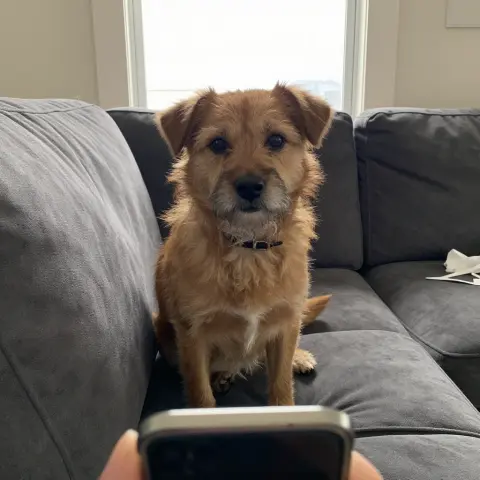
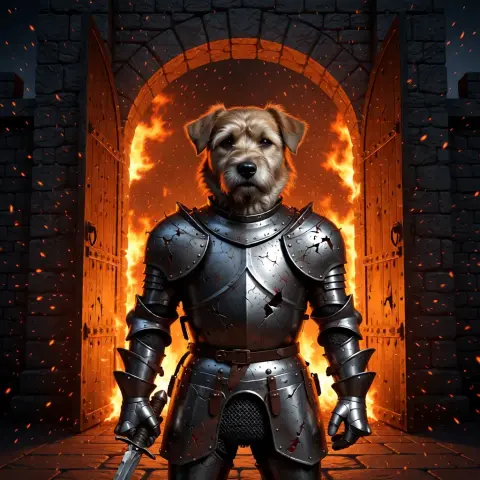
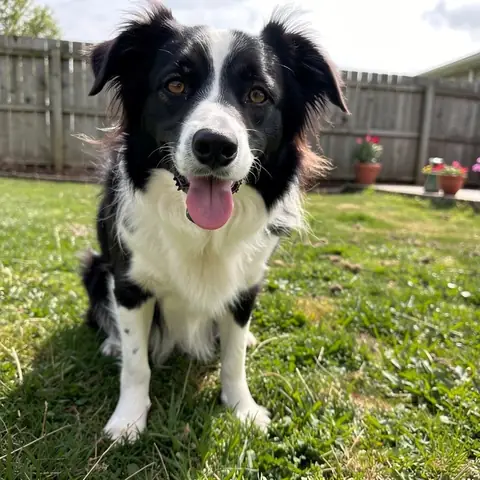
put this dog in battered knight armour at a burning castle gate; keep his face exactly the same
Made with one sentence
Real results, each with the exact words that made it.
- put this dog in battered knight armour at a burning castle gate; keep his face exactly the same
 Edit a photo
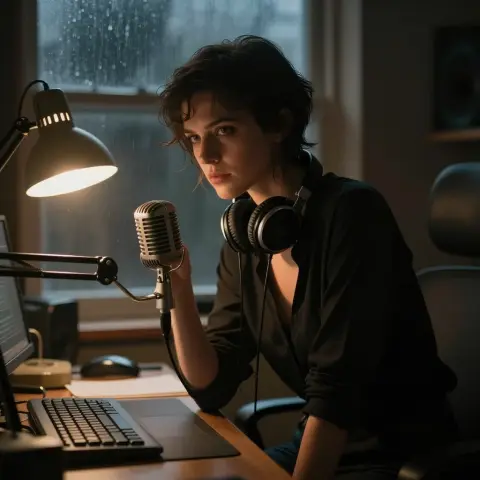 You’re still up? Good. Stay with me a while.Make a photo talk
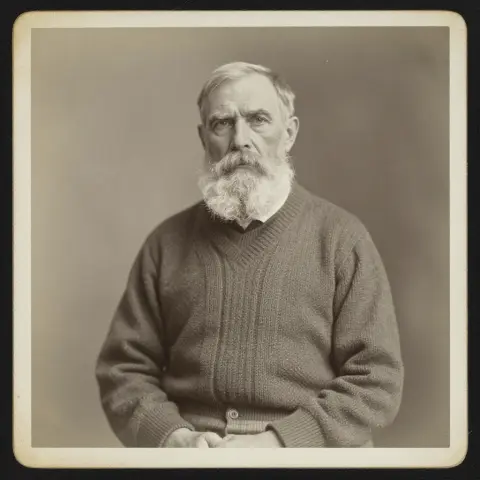 restore and colour it, then: he blinks slowly and smilesRestore an old photo
- An old lighthouse keeper climbs the last steps in a storm, opens the door at the top, and a giant wave rises out of the dark sea.Text to video
- a black cat with amber eyes as a collectible action figure in a blister pack, with a tiny lantern and sword
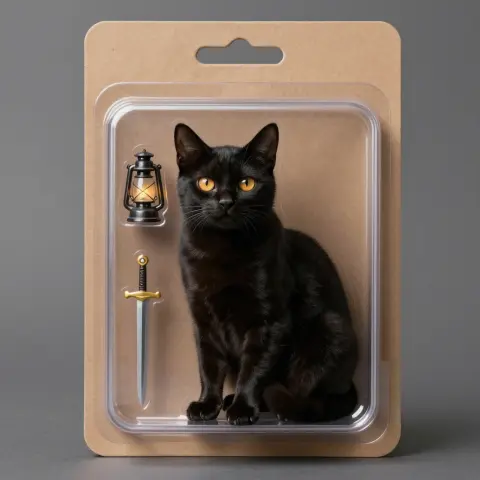 Make an image
- he steps forward as embers drift past, lifts his head and barks onceAnimate a photo
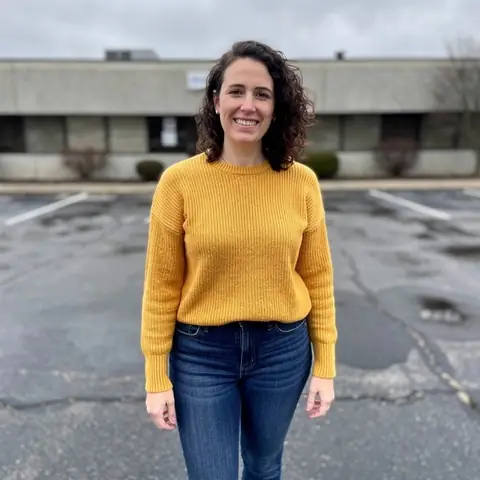 a lavender field at sunset
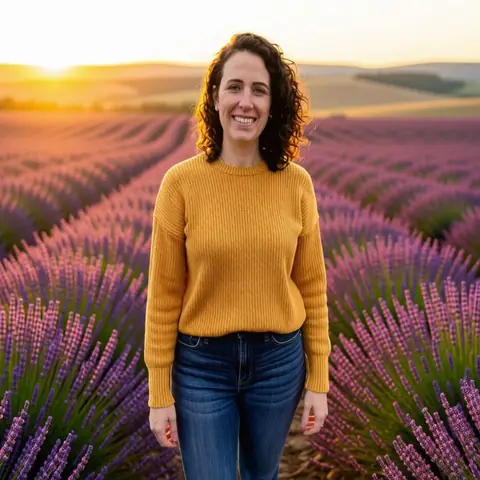 Change a background
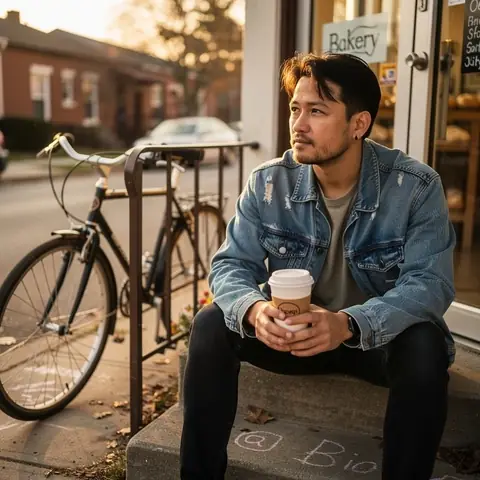 warm slice-of-life anime
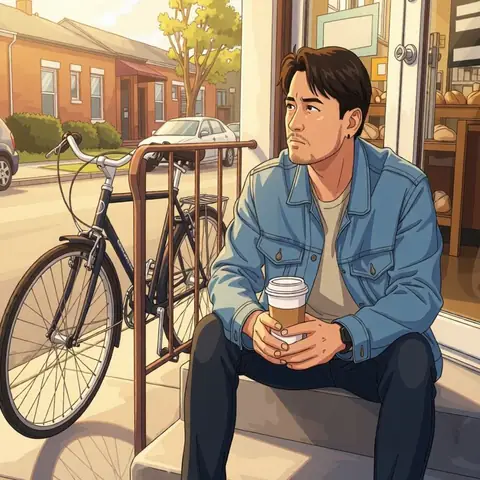 Photo to anime
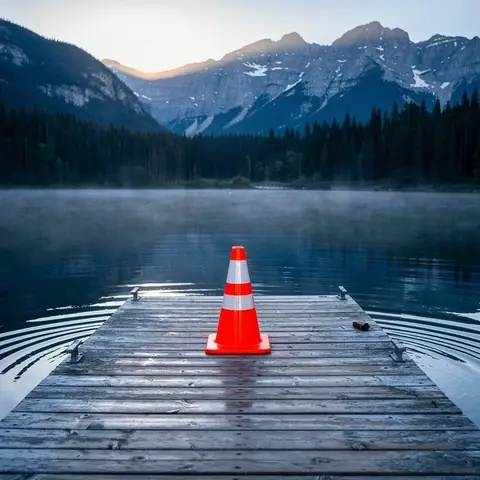 the orange traffic cone
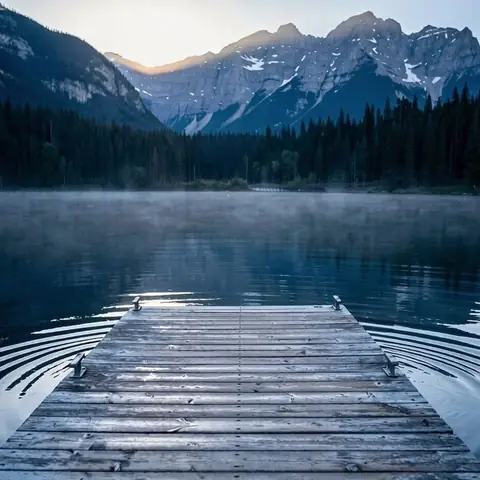 Remove an object
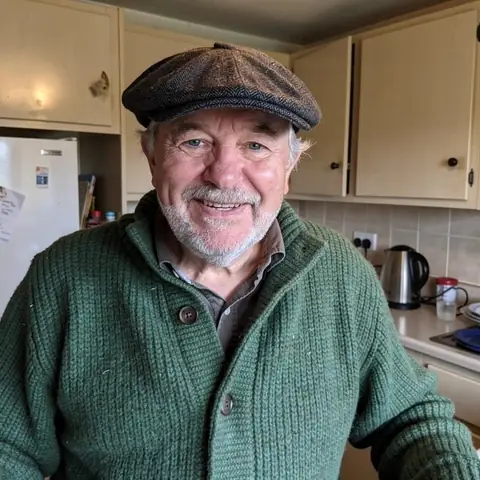
 together on a bench above the sea at sunset
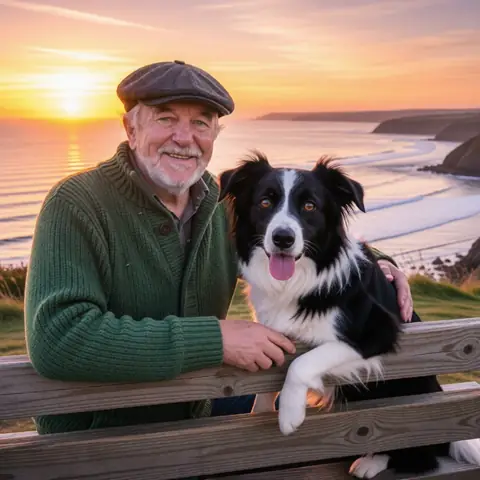 Combine photos
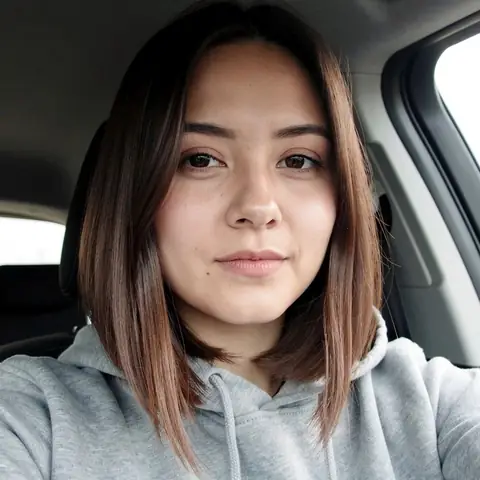 navy blazer, grey backdrop
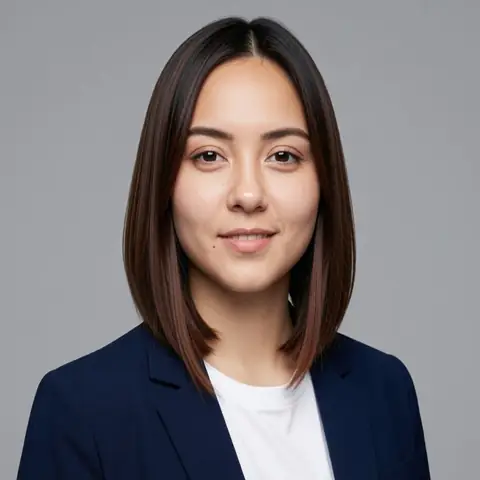 AI headshot
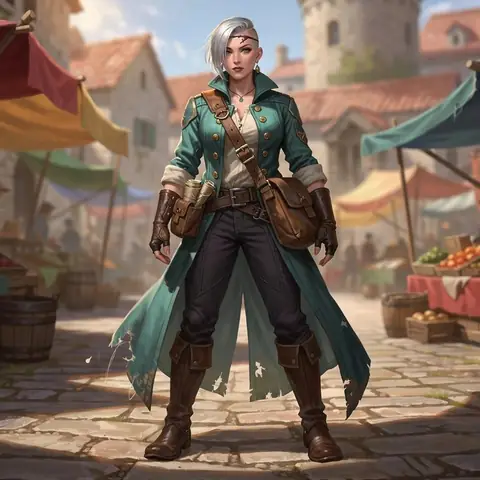 on an airship deck at night, holding a lantern, looking back
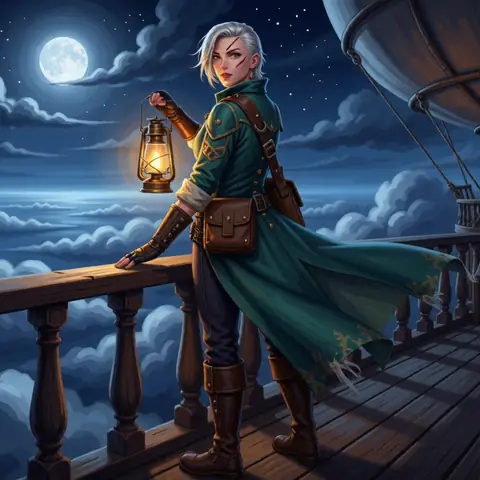 Character, new scene
How it works
- 01Add a photo
- 02Say what changes and what stays
- 03Edit again, or make it move
nokeep is a free AI photo editor that works in your browser with no account, no email and no card: attach a photo, say what to change, and the edited picture comes back in a few seconds. Edits share the 10 free images a day; after that an edit is 100 credits, about 10 cents. Edit only photos you have the right to edit, and never turn a real person into sexual or misleading imagery.
Edit a photo in three steps
Step 1: Open nokeep, go to Imagine and choose Picture. There is no sign-up screen, no email to confirm and no card to enter.
Step 2: Add the photo with the + and describe one change. Say what should change and what should stay: “replace the background with a quiet beach at sunset; keep the person, the pose and the clothes exactly as they are”.
Step 3: Send. The edited picture appears in Imagine in a few seconds, with your original kept under Versions. Download it, ask for another change, or start again from the original.
Whose photos you can edit
Edit photos you took, pictures you generated, and images whose licence allows changes. A photo of another person needs their permission, and a photo you found online is not yours to rework.
Some edits are always blocked, whatever you pay: images of minors, sexual or misleading edits of a real person, and illegal content. Making intimate images of a real person without consent is a crime in a growing number of places, and it breaks nokeep’s terms.
What edits work well
The editor follows a plain sentence. It is good at changes you can describe in one line: a new background, an object added or taken out, a different style such as watercolour or film photo, new lighting such as golden hour or a rainy night, a change of season or weather, or a fix to something a generated image got wrong.
You can also attach two or three photos at once. The first is the base, and the others are layered in, for example to put a product from one photo onto the table in another.
Ask for one change at a time. A new background, new lighting and a new outfit work better as three edits than as one long request. Name the things that must not change, because details you do not mention are the ones that drift.
What is free, and what an edit costs
Every day you get 10 free images, unlimited chat (fair use applies) and 1 short video clip, with no account. An edit counts as one of the 10 free images, so you can split them between edits and new pictures any way you like. The allowance resets each day and is the same for everyone who uses nokeep without paying.
After that, an edit is 100 credits, about 10 cents, and a new image is 50 credits; 1,000 credits are one dollar. The send button shows the price before you send. Credits start at $5, never expire, and need no subscription. If an edit fails to render, the credits are not charged.
What happens to your photo
Your photo and the edited result are saved in your browser, not on nokeep’s servers. To make the edit, the photo and your instruction are sent to hosted infrastructure that processes them under zero-data-retention terms; nokeep keeps no copy and does not train on your pictures.
Because the pictures live in your browser, clearing site data removes them. Download the ones you want to keep, and on a shared computer delete them when you finish. If a photo must never leave your device at all, no online editor can meet that bar.
Limits
Small changes usually keep a face the same; large ones may return someone who only looks like the original. Edited pictures come back at about 1K, so a large photo returns smaller than it went in. There are no layers, masks or brushes: you direct the change in words, and for a precise touch-up a conventional editor is still the right tool.
Sources
Step by step in nokeep
Asked before you asked
Is the AI photo editor really free?
Yes. Edits share the 10 free images a day, with no account, no email and no card. After that, an edit uses credits.
Do I need to sign up or install anything?
No. It runs in your browser. Open nokeep, attach a photo and describe the change.
Can I edit photos of other people?
Only with their permission, and never into sexual or misleading imagery. Those edits are always blocked and forbidden by the terms.
How much is an edit after the free ones?
100 credits, about 10 cents. Credits start at $5 and never expire. A failed edit is not charged.
Does nokeep keep my photos?
No. The photo and the result are saved in your browser. The editing service processes the photo under zero-data-retention terms and nokeep keeps no copy.
Related
- What does free AI chat include, and when do you pay?Free
 Free AI image generator with no sign-upFree
 Free AI video generator with no sign-upFree
 Best free AI image generators with no sign-up (2026)Free
 Best free AI video generators with no sign-up (2026)Free
 Private, uncensored AI image editorUncensored images
- What does an uncensored AI chatbot answer, and what does it refuse?Uncensored chatbot
 An AI character creator that starts from one lineCharacters