Combine photos
Combine two or three photos into one scene
Add two or three photos and say where they meet. One new picture with all of them in it. 2 free a day.
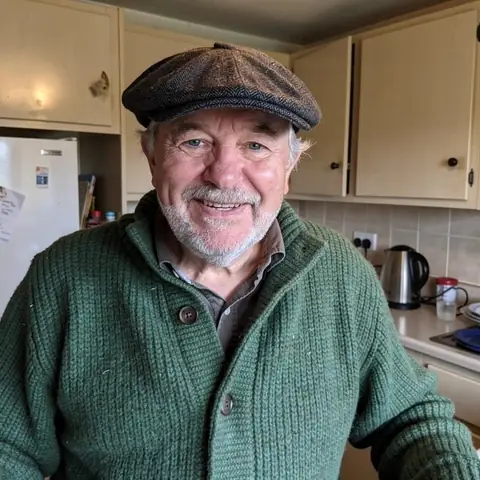
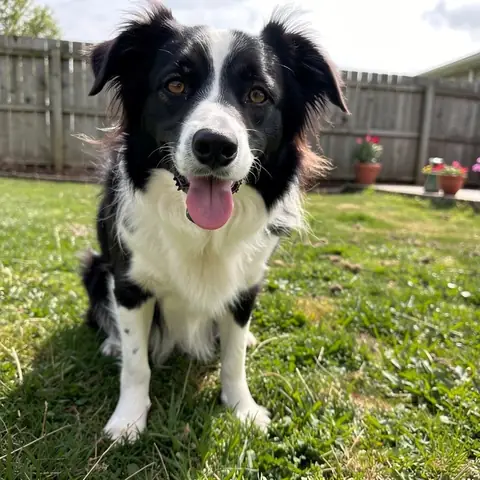
together on a bench above the sea at sunset
Made with one sentence
Real results, each with the exact words that made it.
- together on a bench above the sea at sunset
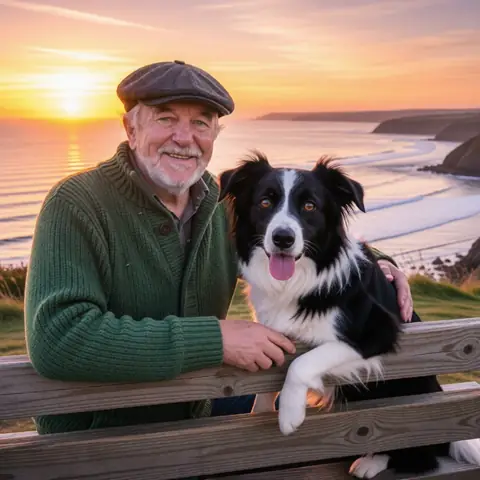 Combine photos
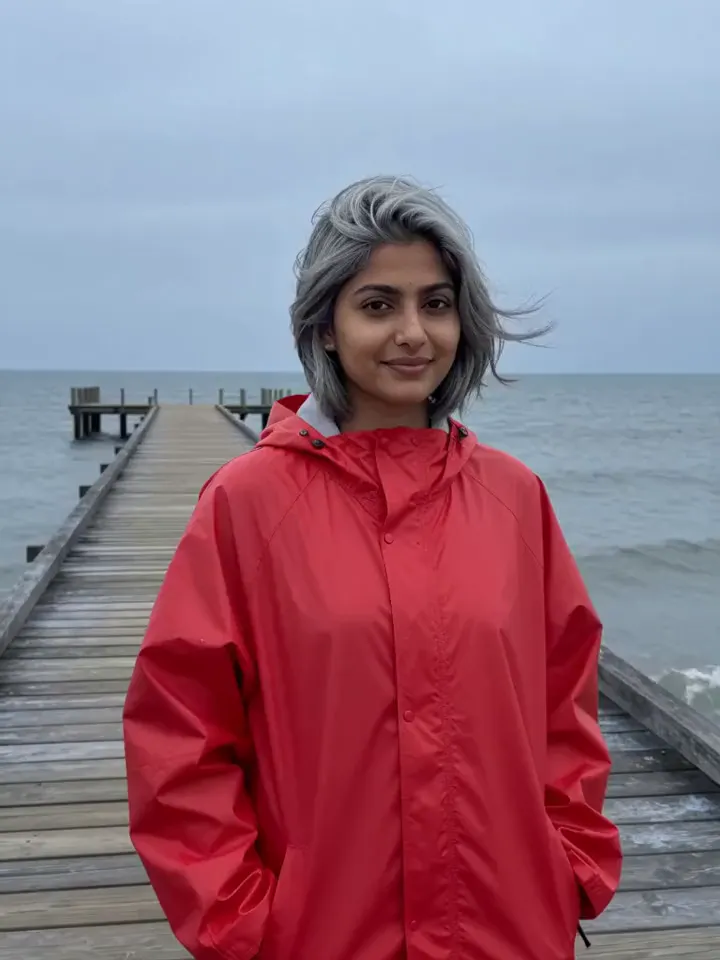
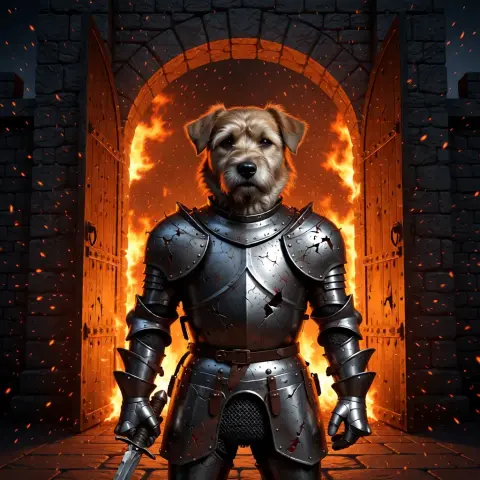 he steps forward as embers drift past, lifts his head and barks onceAnimate a photo
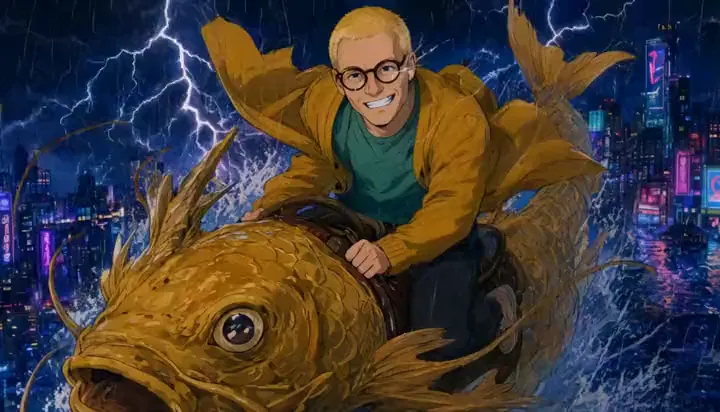
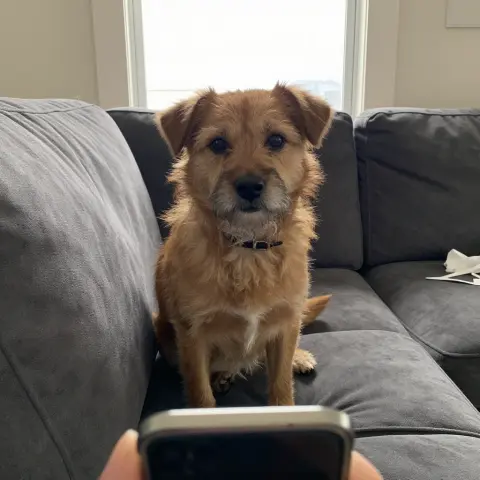 put this dog in battered knight armour at a burning castle gate; keep his face exactly the sameEdit a photo
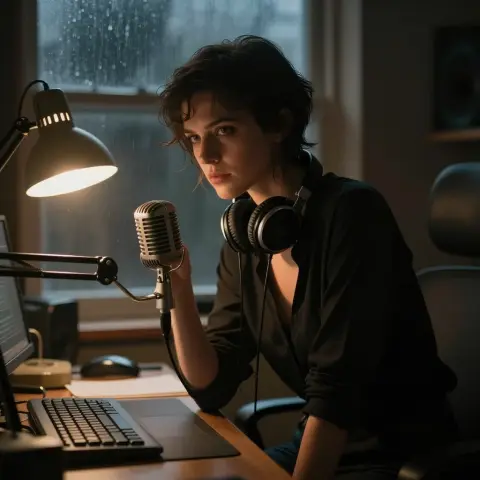 You’re still up? Good. Stay with me a while.Make a photo talk
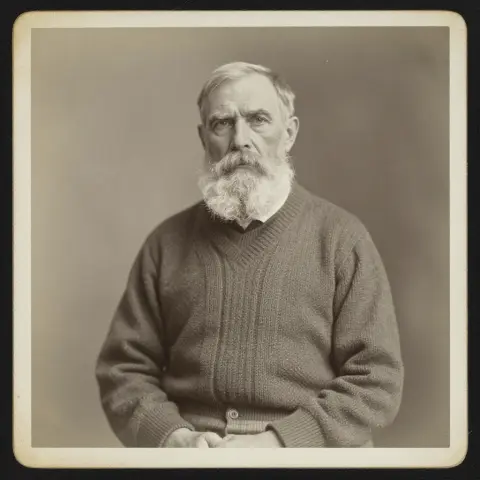 restore and colour it, then: he blinks slowly and smilesRestore an old photo
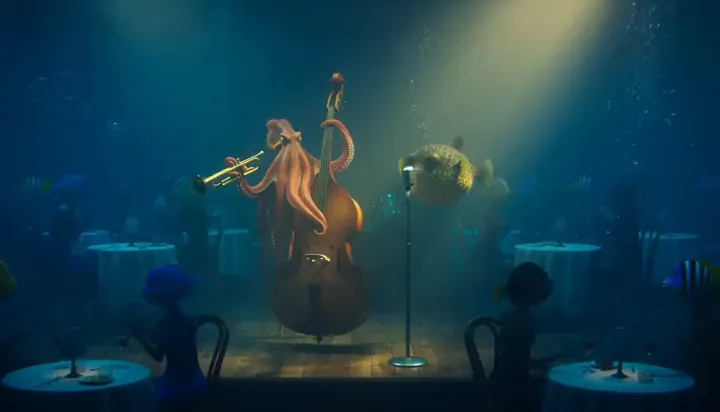
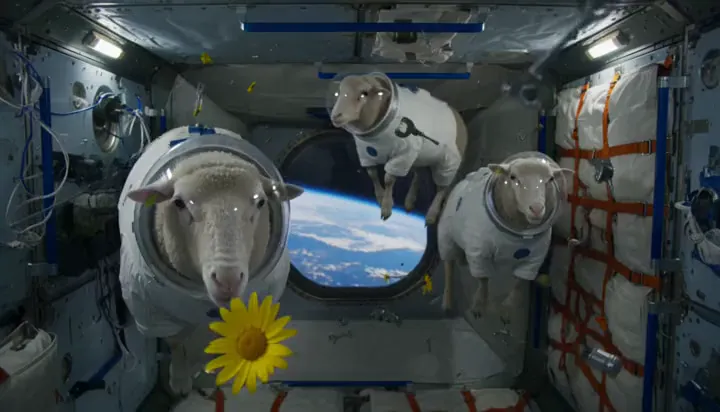
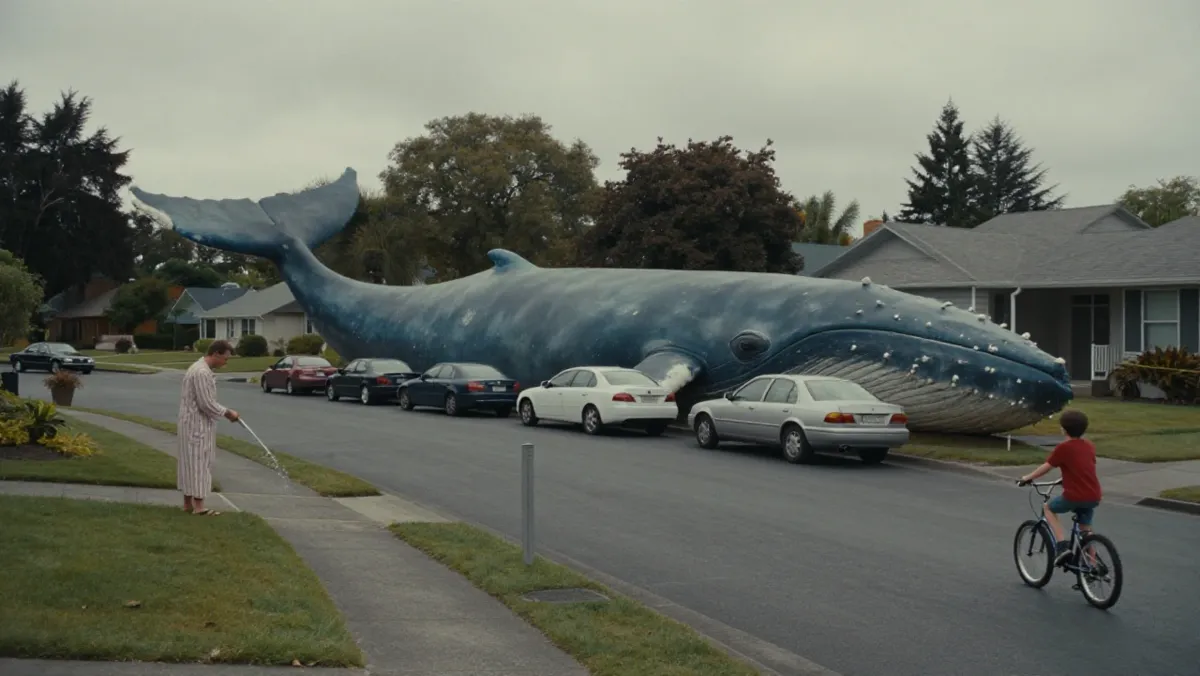
- An old lighthouse keeper climbs the last steps in a storm, opens the door at the top, and a giant wave rises out of the dark sea.Text to video
- a black cat with amber eyes as a collectible action figure in a blister pack, with a tiny lantern and sword
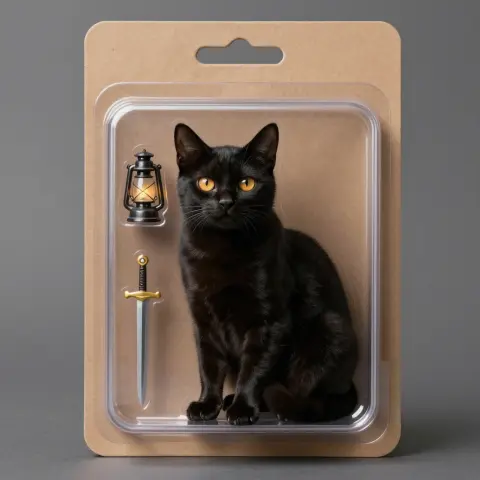 Make an image
 a lavender field at sunset
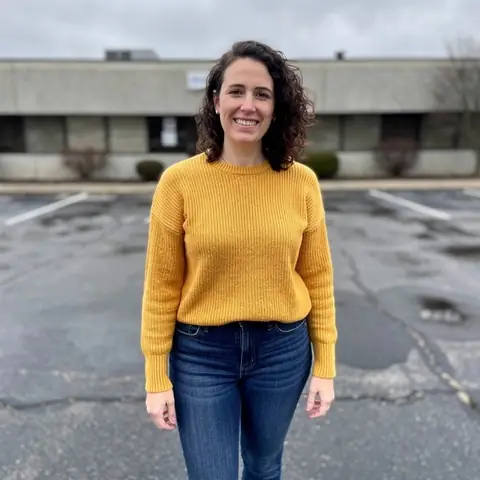
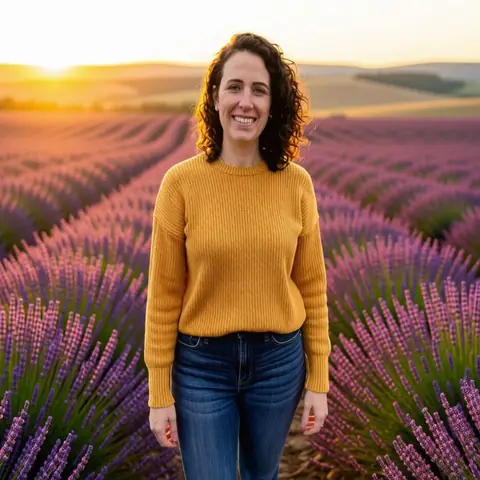 Change a background
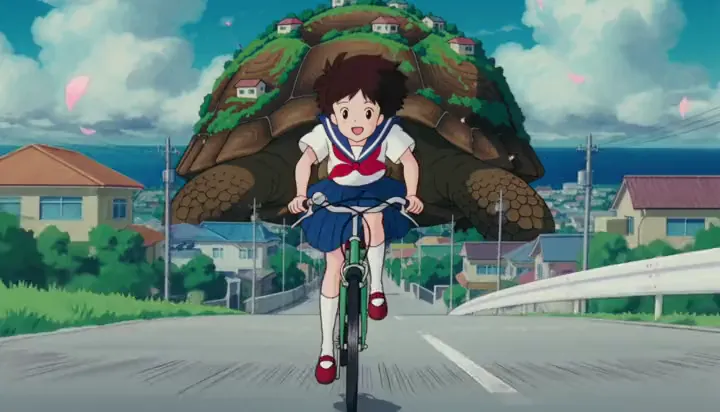
 warm slice-of-life anime
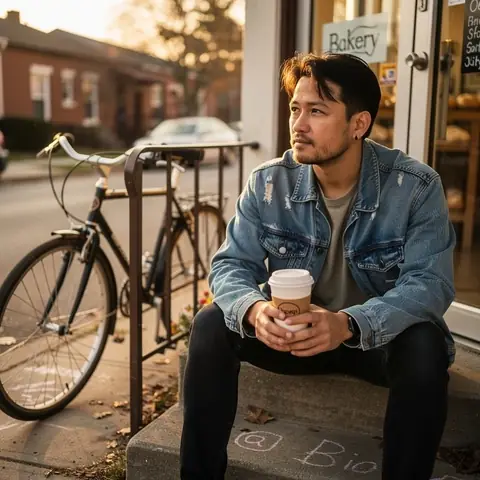
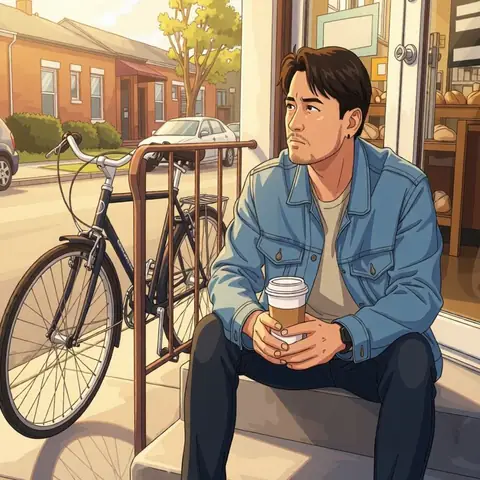 Photo to anime
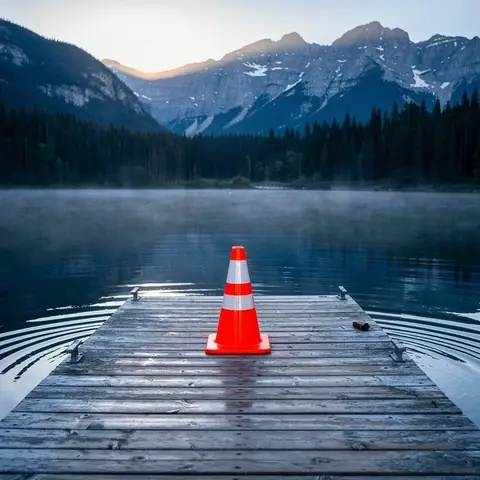 the orange traffic cone
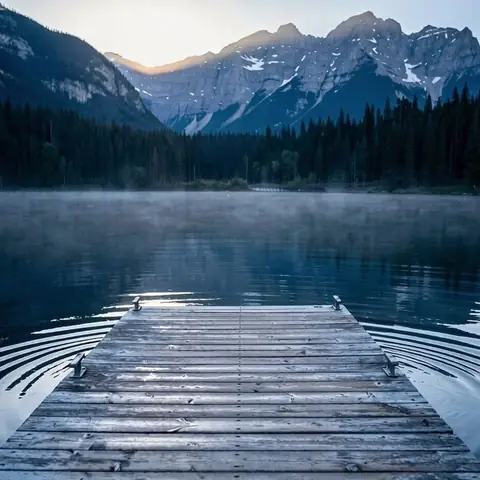 Remove an object
 navy blazer, grey backdrop
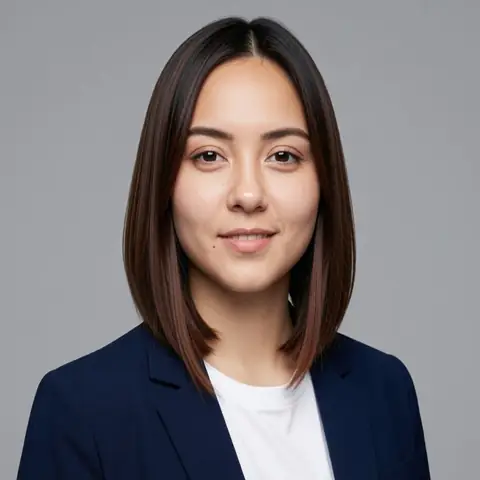 AI headshot
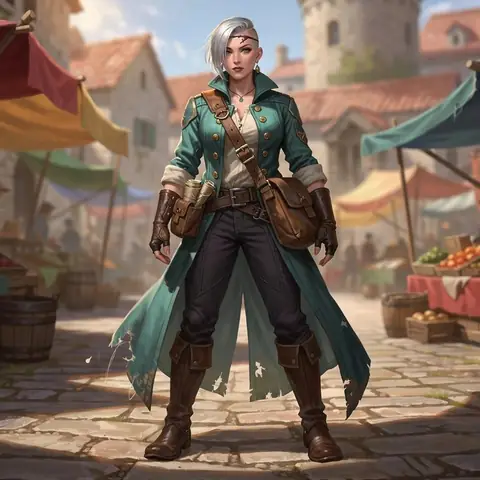 on an airship deck at night, holding a lantern, looking back
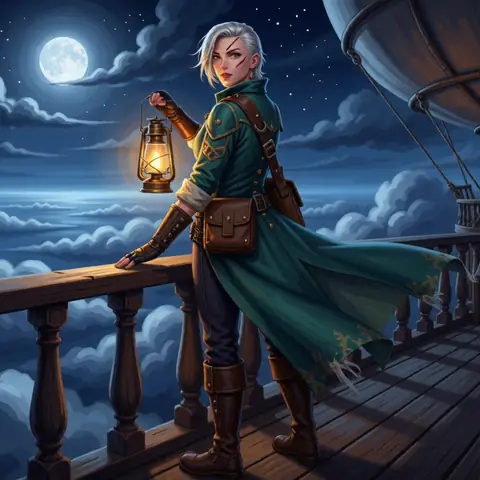 Character, new scene
How it works
- 01Add two or three photos
- 02Say the scene they share
- 03One picture, everyone in it
Add two or three photos, say where everyone should be, such as “on a bench above the sea at sunset”, and nokeep makes one new picture with the people, pets or things from each photo together, looking as they do in their own photo. It counts as one of the 2 free pictures a day, with no account.
How do I combine photos?
Step 1: Add two or three photos. Pick them together, or one at a time with “Add another photo”.
Step 2: Say the scene they share: “sitting together at a kitchen table”, “walking on a beach at sunset”, “posing in front of the Eiffel Tower”. Leave it blank and the editor picks a natural scene.
Step 3: Open it in nokeep and send. The combined picture comes back in a few seconds. Change the scene and send again, or edit the result.
What can I put together?
A person and their pet who were never in one photo. Two friends who live in different countries. A grandparent and a grandchild. A product and the setting it belongs in. A character and the room you drew for them.
One subject per photo works best: a clear portrait, a pet facing the camera, one object on a plain table. Group photos make it harder to know who you mean, so name them: “the woman in the first photo”, “the dog in the second”.
Will everyone look like themselves?
The instruction asks to keep each one exactly as they look in their own photo: faces, hair, clothes, markings and colours. Most of the time that holds. Faces can drift a little, sizes can be off (a dog as big as a person), and hands where two people touch can come out odd. Look closely, and say the fix in the next try: “the dog is smaller, sitting at his feet”.
Three photos is the most one picture takes. For more people, combine two, then add the third and fourth to the result.
What it costs, and what happens to the photos
Combining is an edit: it shares the 2 free pictures a day, then costs 100 credits or a little more, around 10 cents. Credits start at $5 and never expire.
The photos and the result are saved in your browser, not on nokeep’s servers. Processing runs under zero-data-retention terms; nokeep keeps no copy and does not train on them. Combine only photos of people who would be happy to be in the picture.
Sources
Asked before you asked
Is combining photos free?
Yes, for 2 pictures a day with no account. After that it is about 100 credits.
How many photos can I combine?
Two or three in one go. Combine more in steps, adding to the result.
Can I put myself and my pet in one picture?
Yes. That is one of the most common uses: a photo of you, a photo of your pet, and where you are together.
Can I make the combined picture move?
Yes. Use it as the first frame of a clip: 500 credits for 5 seconds.
Does nokeep keep my photos?
No. They are saved in your browser and processed under zero-data-retention terms.