Change a background
Change the background of a photo with AI
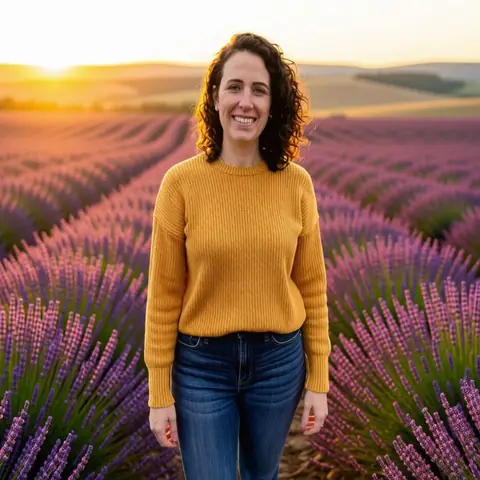
Add a photo and name the new place. The person stays as they are. 2 free a day, no account.
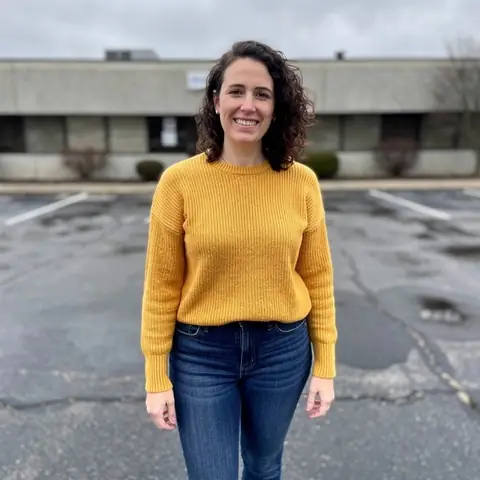
a lavender field at sunset
Made with one sentence
Real results, each with the exact words that made it.
- a lavender field at sunset
 Change a background
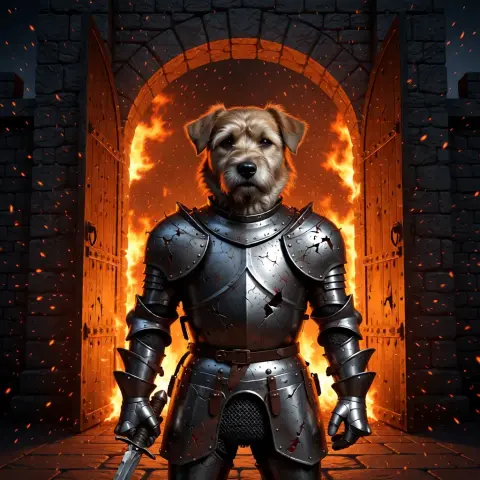 he steps forward as embers drift past, lifts his head and barks onceAnimate a photo
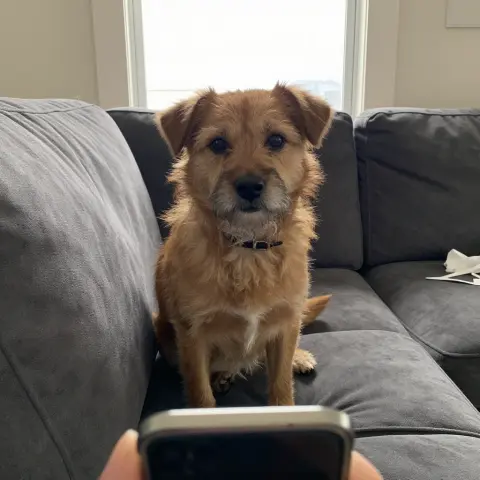 put this dog in battered knight armour at a burning castle gate; keep his face exactly the sameEdit a photo
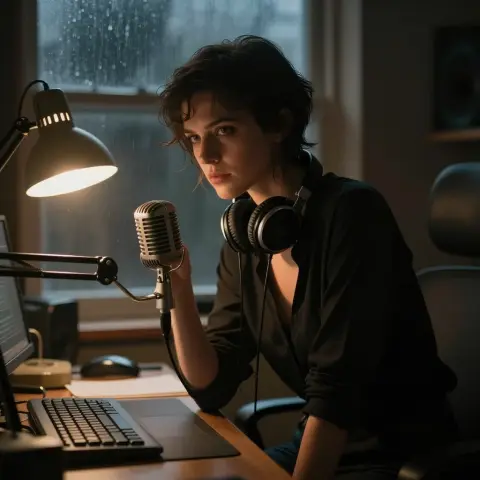 You’re still up? Good. Stay with me a while.Make a photo talk
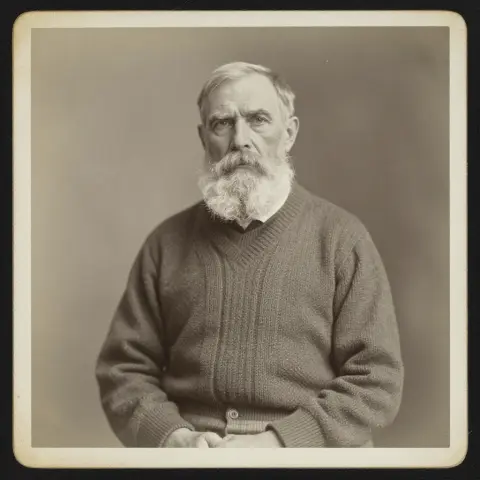 restore and colour it, then: he blinks slowly and smilesRestore an old photo
- An old lighthouse keeper climbs the last steps in a storm, opens the door at the top, and a giant wave rises out of the dark sea.Text to video
- a black cat with amber eyes as a collectible action figure in a blister pack, with a tiny lantern and sword
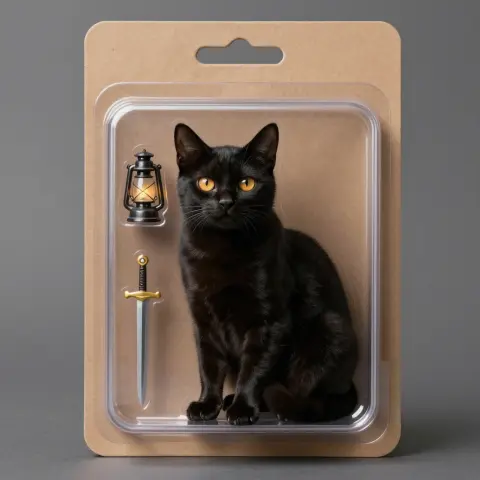 Make an image
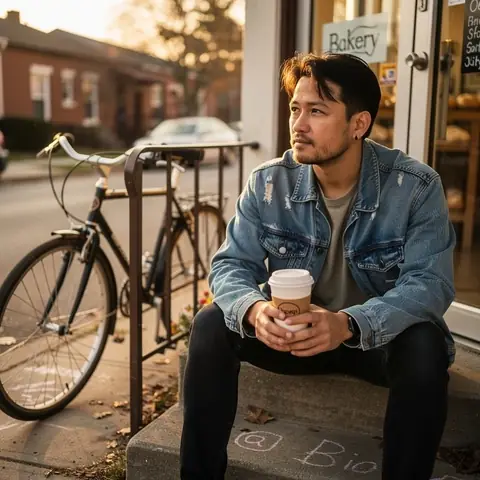 warm slice-of-life anime
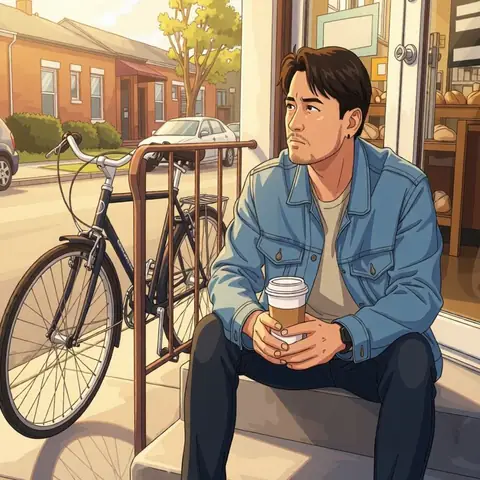 Photo to anime
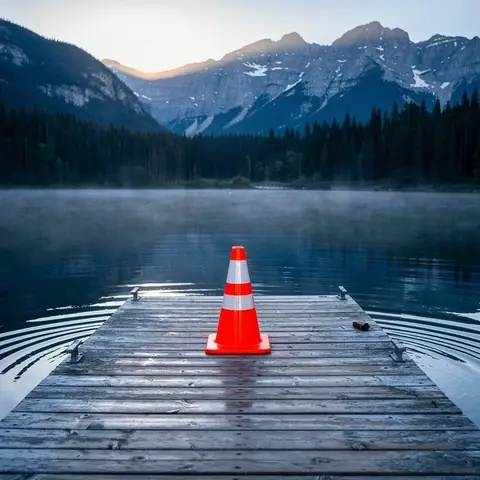 the orange traffic cone
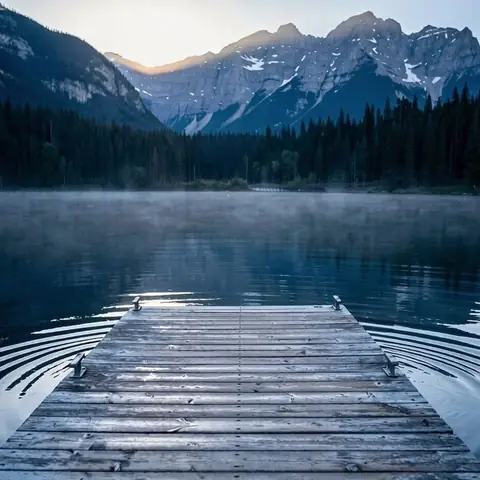 Remove an object
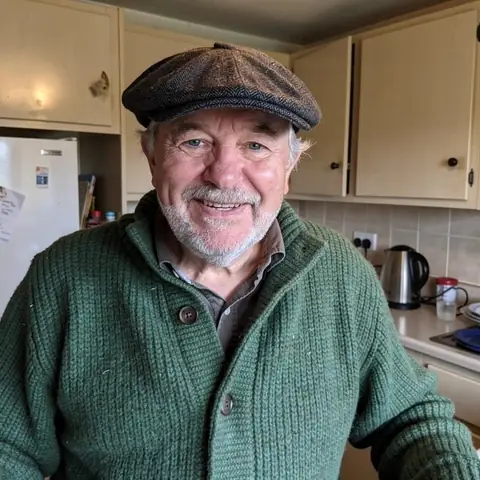
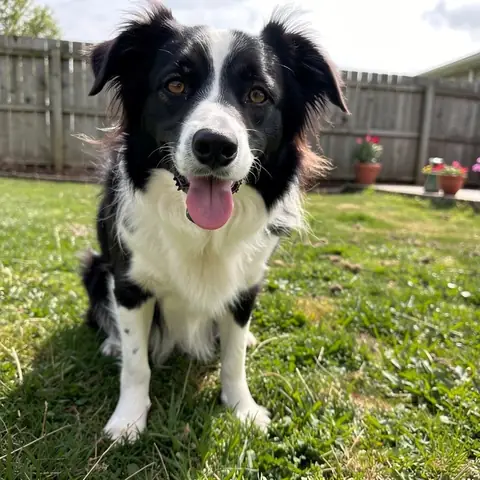 together on a bench above the sea at sunset
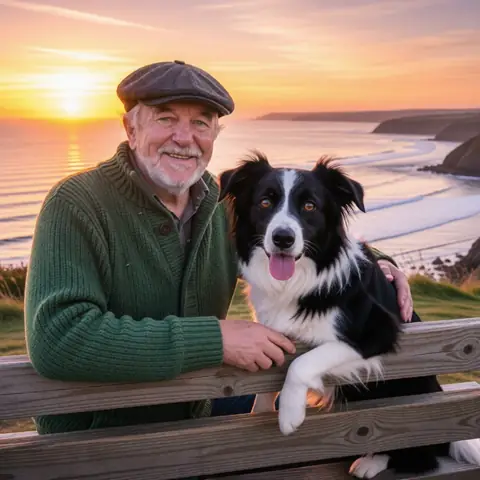 Combine photos
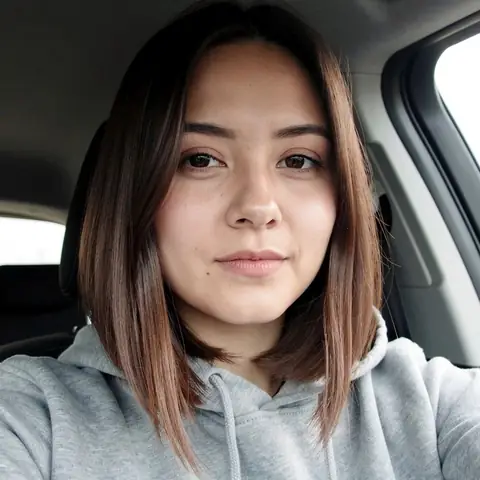 navy blazer, grey backdrop
 AI headshot
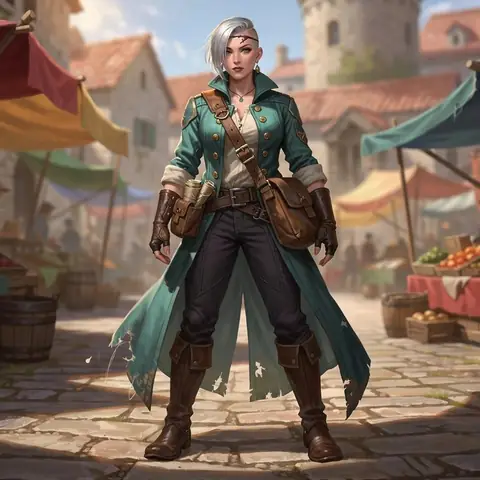 on an airship deck at night, holding a lantern, looking back
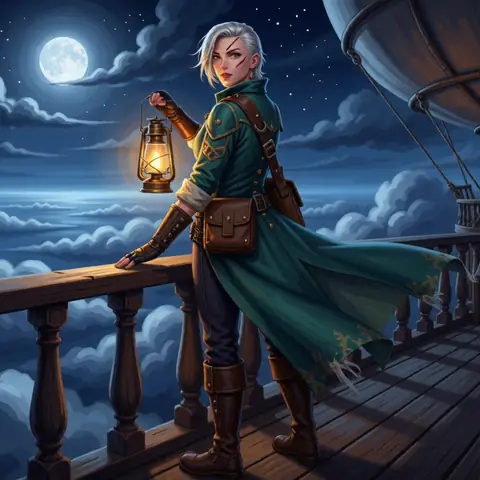 Character, new scene
How it works
- 01Add a photo
- 02Name the new background
- 03Same person, new place
Add a photo, type the new background in a few words, and nokeep swaps the place behind the person while keeping their face, clothes and pose. A new background counts as one of the 2 free pictures a day, with no account; after that it is 100 credits, about 10 cents.
How do I change a photo’s background?
Step 1: Add the photo. One clear subject, a person, a pet or a product, works best.
Step 2: Name the new place in a few words: “a lavender field at sunset”, “a white studio wall”, “a café in Paris on a rainy evening”. Leave it blank for a plain studio backdrop.
Step 3: Open it in nokeep and send. The new picture comes back beside the original in a few seconds. Try another place, or keep the one you like.
What stays the same?
The instruction behind the field asks for the subject to stay exactly as they are: the same face, hair, clothes, pose and expression. The light on them is matched to the new place, so a sunset background puts a warm edge on the person instead of leaving them lit like the car park they were standing in.
Small things can still shift: a strand of hair, a hand at the edge of the frame, the pattern on a shirt. Compare with the original, and if something moved, say it in the next try: “keep the necklace”.
Which backgrounds work best?
Places that match the photo’s angle and light: an outdoor photo into another outdoor place, a portrait into a studio wall. A person shot from below dropped onto a flat tabletop view looks pasted in.
Plain backdrops for profiles and listings: white, light grey, a soft colour. Scenes for fun: a beach, a city at night, a snowy forest, a stage. For a clean profile photo with new clothes and light as well, the AI headshot tool does the whole job.
What it costs, and what happens to the photo
A background change is an edit: it shares the 2 free pictures a day, then costs 100 credits. Credits start at $5 and never expire. Turn the result into a short clip for 500 credits per 5 seconds.
The photo and the result are saved in your browser, not on nokeep’s servers. Processing runs under zero-data-retention terms; nokeep keeps no copy and does not train on it. Change only photos you have the right to edit.
Sources
Asked before you asked
Is the background changer free?
Yes, for 2 pictures a day with no account. After that a change is 100 credits.
Will the person look the same?
Usually. Face, clothes and pose are kept; small details at the edges can shift, so compare with the original.
Can I get a plain white or transparent background?
A plain white, grey or coloured backdrop, yes: name it. The result is a normal picture, not a transparent cut-out.
Does it work on pets and products?
Yes. Any clear subject works: a dog on a sofa, a mug on a desk, a bike in a hallway.
Does nokeep keep my photo?
No. It is saved in your browser and processed under zero-data-retention terms.
Related
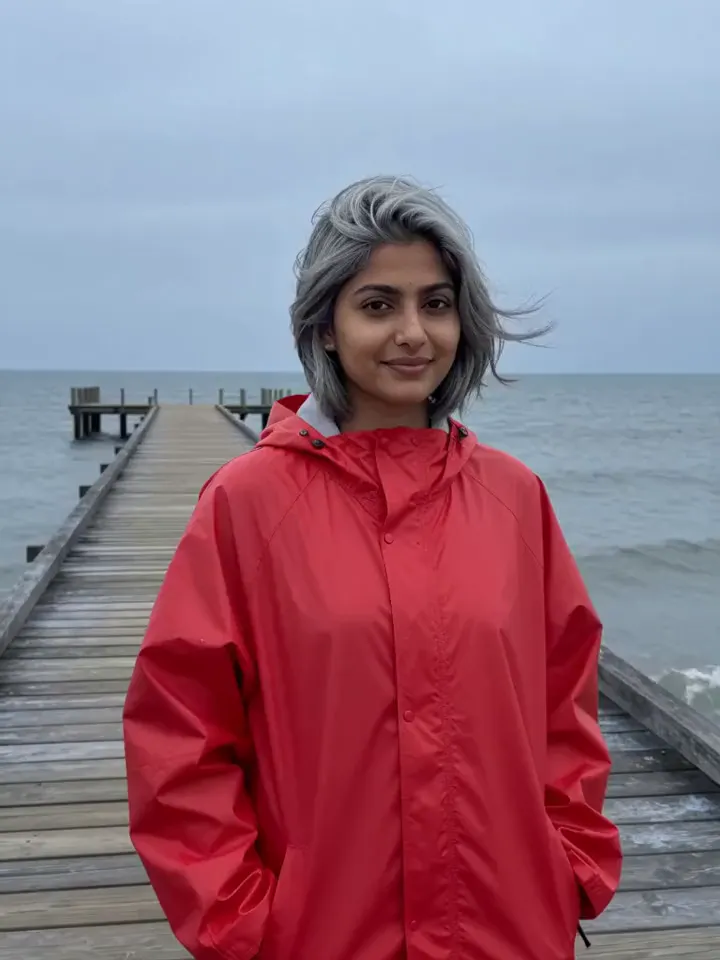 Animate a photo with AITool
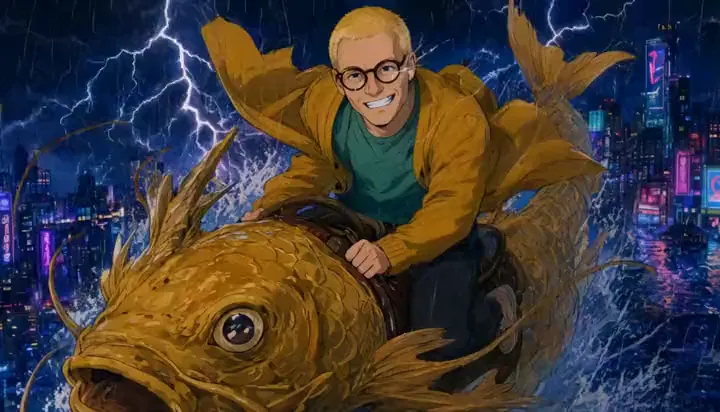 Edit a photo by saying what to changeTool
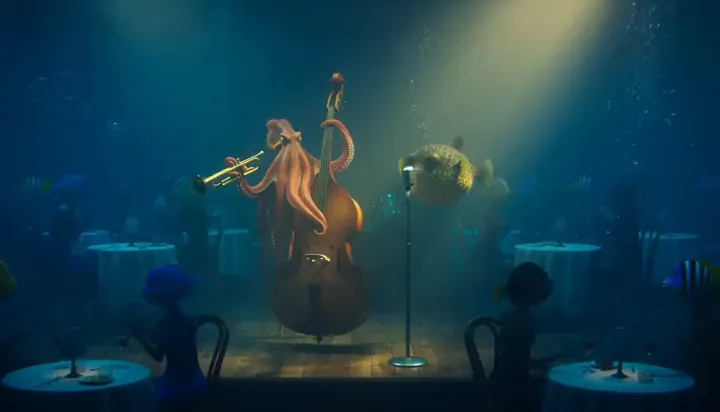 Make a photo talkTool
 Restore an old photo, then bring it to lifeTool
 Make a video from one sentenceTool
 Make an image from a sentenceTool
 Turn a photo into anime, a cartoon or a paintingTool
 Remove an object from a photo by naming itTool