Remove an object
Remove an object from a photo by naming it
Add a photo and name what should go. It is erased and the gap filled in. 2 free a day, no account.
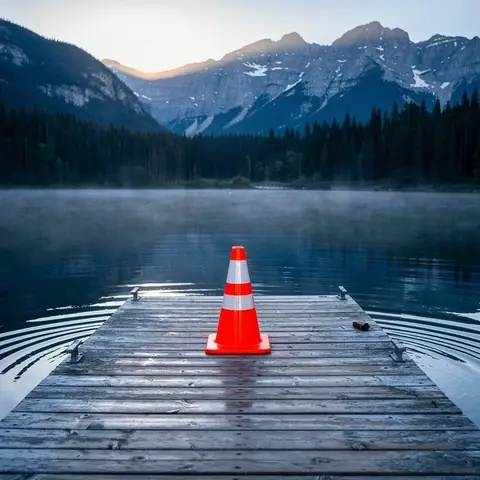
the orange traffic cone
Made with one sentence
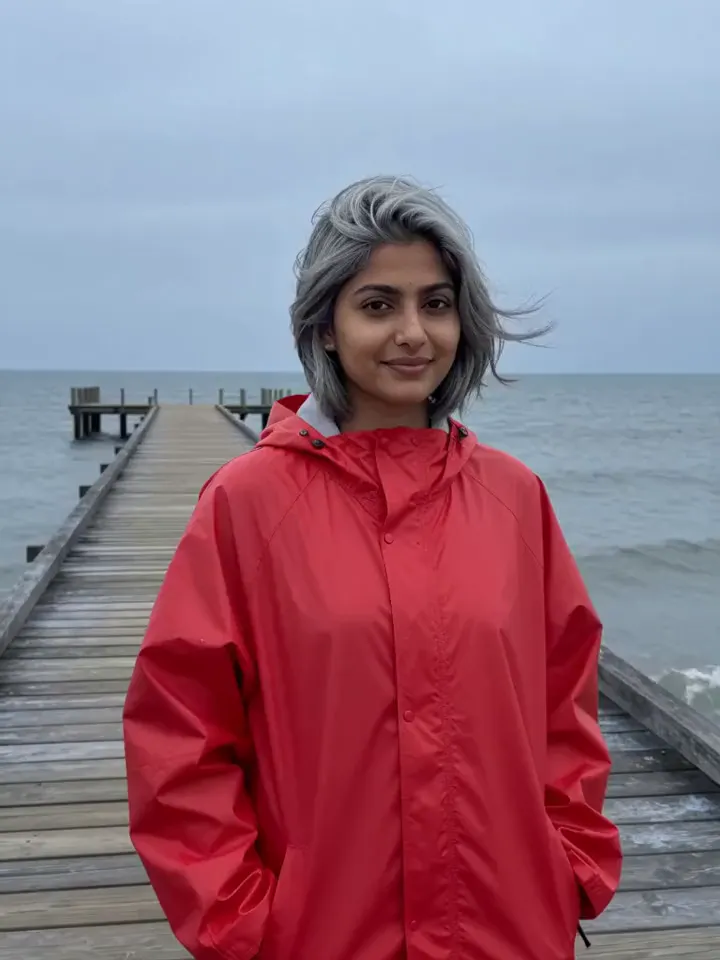
Real results, each with the exact words that made it.
- the orange traffic cone
 Remove an object
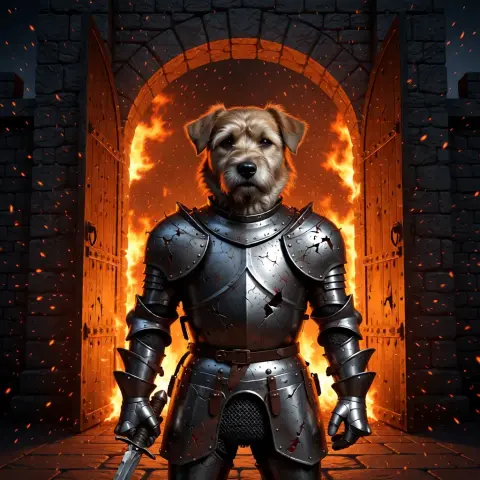 he steps forward as embers drift past, lifts his head and barks onceAnimate a photo
 put this dog in battered knight armour at a burning castle gate; keep his face exactly the sameEdit a photo
 You’re still up? Good. Stay with me a while.Make a photo talk
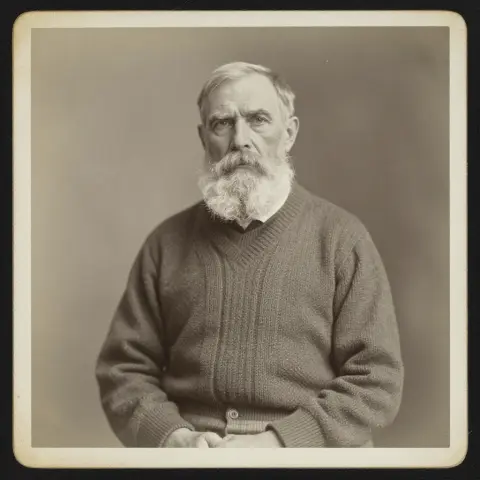 restore and colour it, then: he blinks slowly and smilesRestore an old photo
- An old lighthouse keeper climbs the last steps in a storm, opens the door at the top, and a giant wave rises out of the dark sea.Text to video
- a black cat with amber eyes as a collectible action figure in a blister pack, with a tiny lantern and sword
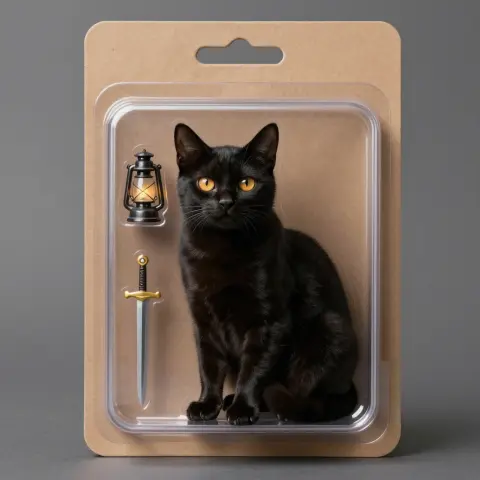 Make an image
 a lavender field at sunset
 Change a background
 warm slice-of-life anime
 Photo to anime

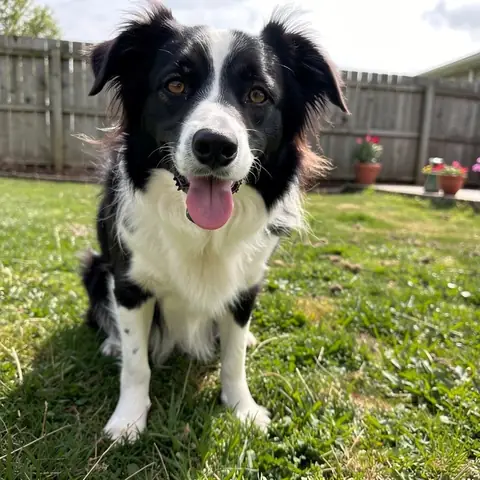 together on a bench above the sea at sunset
 Combine photos
 navy blazer, grey backdrop
 AI headshot
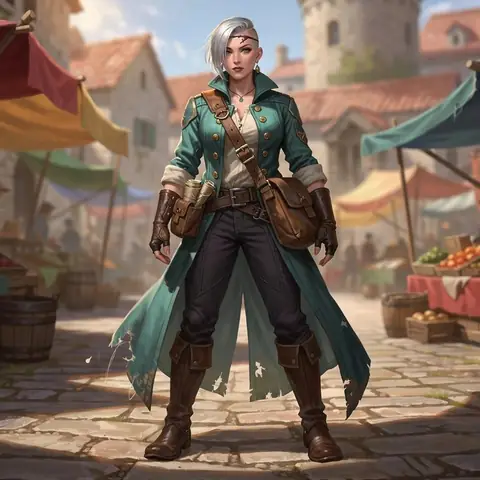 on an airship deck at night, holding a lantern, looking back
 Character, new scene
How it works
- 01Add a photo
- 02Name what to remove
- 03Gone, the rest untouched
Add a photo, type what should go, such as “the traffic cone” or “the man in the red jacket”, and nokeep erases it and fills the space with what would be behind it, leaving the rest of the picture alone. There is no brush or mask to draw. A removal counts as one of the 2 free pictures a day, with no account.
How do I remove something from a photo?
Step 1: Add the photo.
Step 2: Name the thing to remove, precisely enough to pick it out: “the orange cone on the dock”, “the bin on the left”, “the people in the background”, “the power lines”.
Step 3: Open it in nokeep and send. The cleaned picture comes back beside the original in a few seconds. If a trace is left, send it again on the result: “remove the shadow where the cone was”.
What can it remove?
Things that sit in front of a background that is easy to guess: cones, bins, signs, cars, wires and poles, a photobomber, a stain on a tablecloth, a date stamp, a sticker on a laptop. Water, sky, grass, walls and floors fill in convincingly.
Several things at once work if you list them; one thing at a time is cleaner. Large objects in the middle of a busy scene are the hardest, because more of the picture behind them has to be invented.
Does anything else change?
The instruction asks to change nothing else: the same framing, light and colours. Look closely at fine detail near the removed object, such as text or a pattern, which can come back slightly redrawn. The original stays in your library, so nothing is lost.
Do not use it to remove watermarks or credits from pictures that are not yours, or to change what a photo shows in a way that misleads people.
What it costs, and what happens to the photo
A removal is an edit: it shares the 2 free pictures a day, then costs 100 credits, about 10 cents. Credits start at $5 and never expire.
The photo and the result are saved in your browser, not on nokeep’s servers. Processing runs under zero-data-retention terms; nokeep keeps no copy and does not train on it.
Sources
Asked before you asked
Is removing objects free?
Yes, for 2 pictures a day with no account. After that a removal is 100 credits.
Do I have to paint over the object?
No. You name it in words and the editor finds it.
Can it remove people from the background?
Yes. Say which ones: “the two people on the left”, “everyone behind her”.
What if a trace is left?
Send another removal on the result, naming what is left: a shadow, a reflection, an edge.
Does nokeep keep my photo?
No. It is saved in your browser and processed under zero-data-retention terms.